Download & Access
Enter the local workspace first, then decide whether to upgrade
The download page explains current platform status, access paths, and how training data is stored on your device.
Desktop training workspace
Enter the local workspace before sign-in
Training data stays on your device by default
Desktop Preview
macOS
Launching in May 2026
Windows
Access Flow
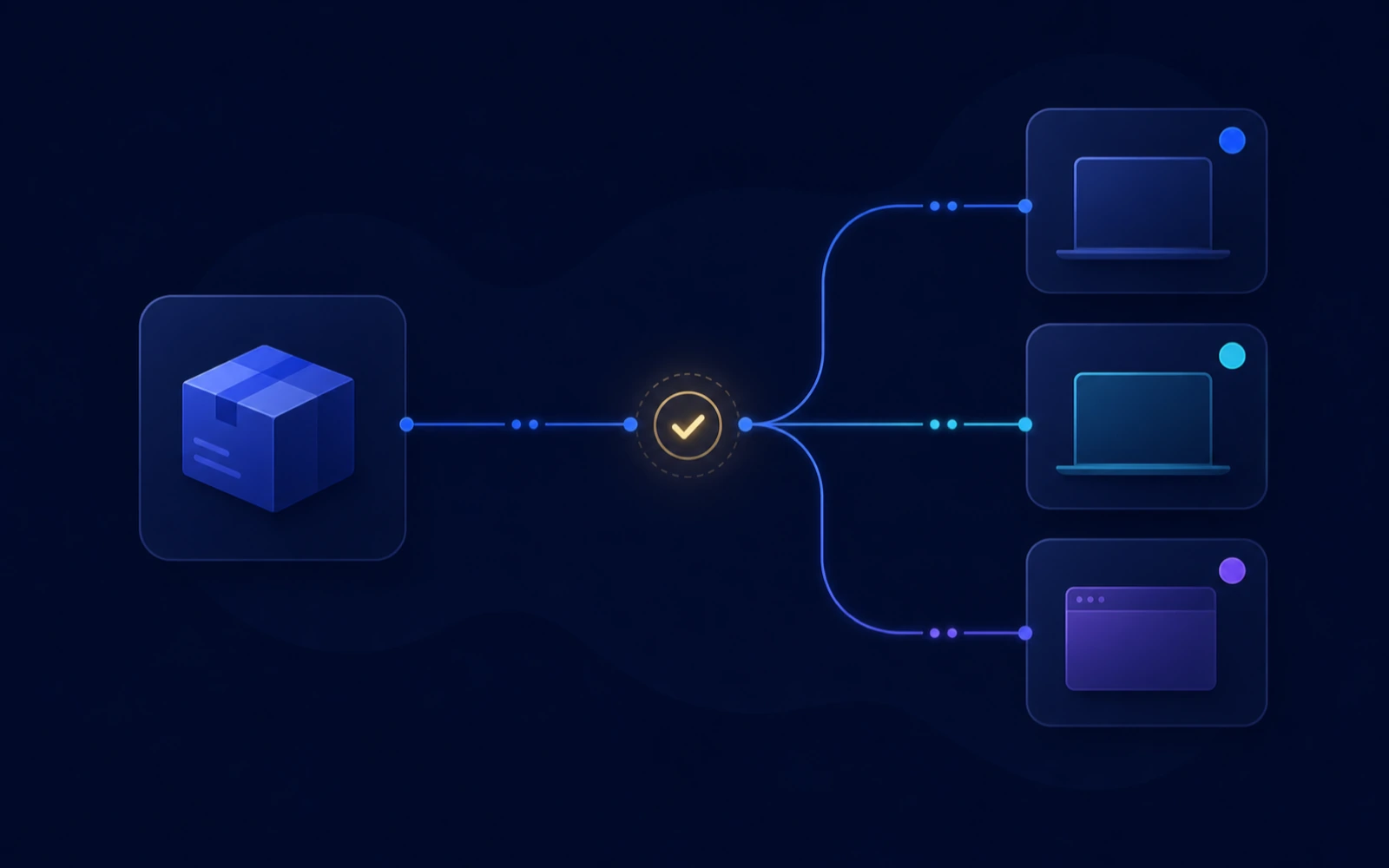
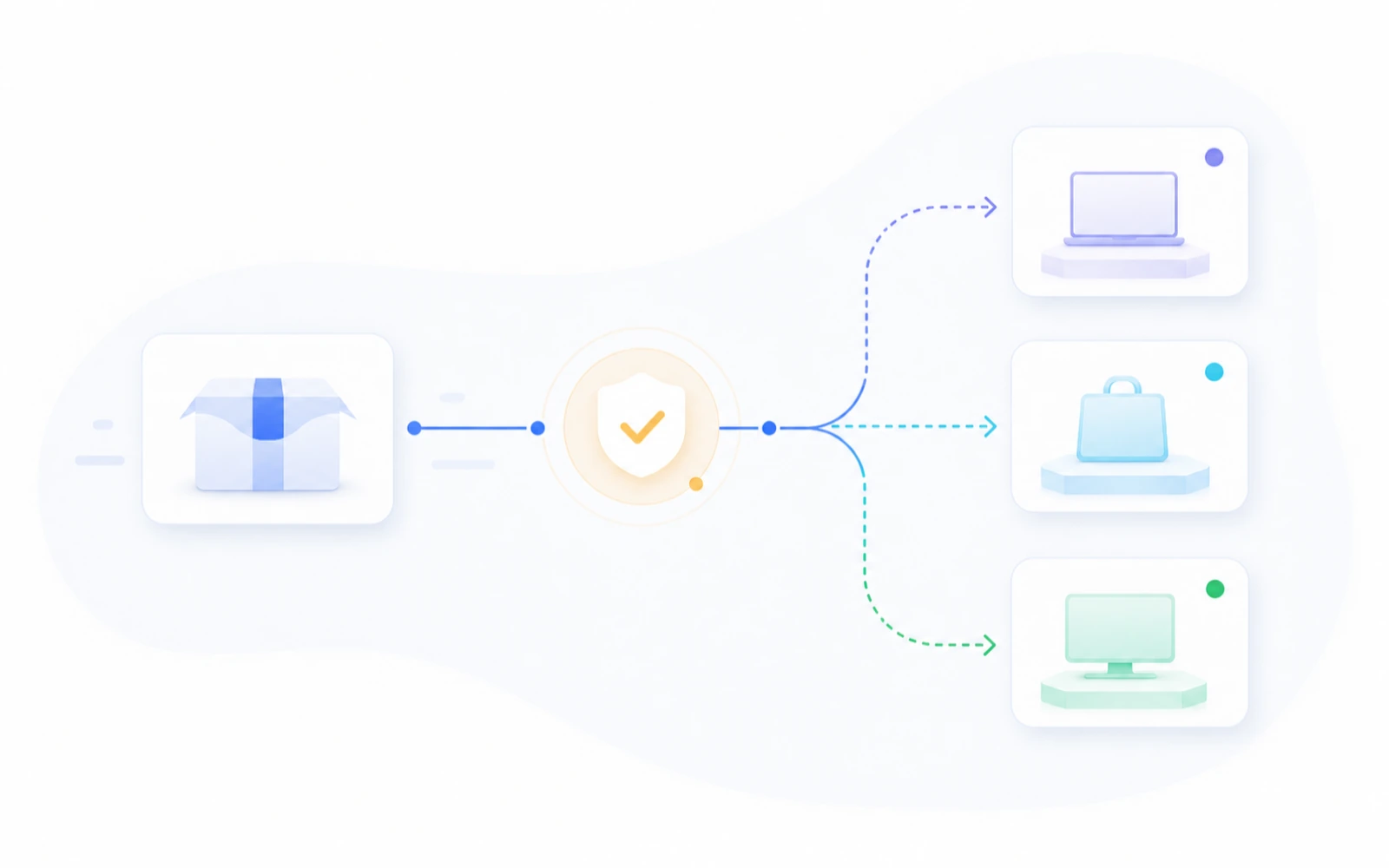
A clear path from preview access to entering the workspace
Review platform status, access paths, and release updates in one place.
Choose your desktop platform
Review current macOS and Windows status, access options, version positioning, and future release cadence.
Understand the product through guest-first onboarding
You can enter the workspace before completing account setup, and training data starts on your device.
Upgrade only when your workflow demands it
Move into membership once you need more imported local data, richer indicators, and a wider training range.
Platform status
The download page centralizes current platform status, access paths, and future release updates.
Local data
Training records, notes, and imported datasets stay on your device by default so you can keep reviewing them over time.
Purchases and accounts
Where membership or purchase details apply, the live product or purchase flow provides the controlling information.